Introduction
Version controlling Vibe Studio projects with Git keeps your Flutter work reproducible, safe, and collaboration-ready. Vibe Studio is a modern environment for Flutter mobile development; its project files include user-specific metadata and generated build artifacts that should not be tracked. This tutorial shows pragmatic Git rules, repository structure, secret handling, branching strategies, and lightweight CI hints tailored for Vibe Studio + Flutter projects.
Initialize Git In Vibe Studio
Start a repo in the project root that Vibe Studio created. From the terminal inside Vibe Studio or an external shell, run:
git init
git add .
git commit -m 'Initial commit'
Make an initial commit after you create a minimal .gitignore (see next section). If you prefer hosting (GitHub, GitLab, Bitbucket), create a remote and push the main branch:
git remote add origin git push -u origin main
Keep commits focused and frequent. For mobile development, commit layout and logic separately from dependency or asset changes so code reviews are concise.
Structure And .gitignore For Flutter Projects
A consistent repository layout matters for multi-platform mobile development and CI. Typical root contents:
android/ ios/ lib/ test/ pubspec.yaml pubspec.lock
.vscode/ .gitignore .github/
Vibe Studio adds local files and caches. Use .gitignore to avoid tracking generated and environment-specific files. Minimal .gitignore for Vibe Studio + Flutter:
.DS_Store
/build/
/.dart_tool/
/.idea/
.vscode/.history
pubspec.lock
.vibe/
*.iml
Key rules:
Ignore build outputs (/build) and tool caches (/.dart_tool).
Avoid committing pubspec.lock for packages used as libraries across apps only if you target multiple platforms in CI; for mobile app projects commit pubspec.lock to lock dependencies for reproducible builds.
Exclude Vibe Studio local state (.vibe or .vscode workspace files) because they contain user paths and unsynchronized window state.
If you have generated assets (SVG conversions, image resizing), commit the originals and add a build step in CI to produce derived files.
Managing Secrets And Build Artifacts
Never commit API keys, keystore files, or provisioning profiles. For mobile development you often need keystores (Android) and signing certificates (iOS). Options:
Use environment variables in CI and local .env that are listed in .gitignore.
Store binary secrets in a secure secret manager (GitHub Actions Secrets, GitLab CI variables, Google Secret Manager) and inject them at build time.
Keep example placeholder files committed (keystore.example, README) with instructions to create or copy real secrets.
Example: read a compile-time variable in Flutter to differentiate debug/release without embedding secrets. Use dart-define at build time and access with String.fromEnvironment:
const String apiBase = String.fromEnvironment('API_BASE', defaultValue: 'https://api.example.com');
Build locally with: flutter run --dart-define=API_BASE=https://dev.example.com
For signing, add CI steps that fetch keystores from secure storage and remove them after build. Document local setup for new contributors.
Branching Strategy And Release Workflow
Choose a branching model that fits team size. For small teams or solo mobile development, a lightweight workflow works best:
main: production-ready code and release history.
develop or feature branches: merge reviewed work into main via pull requests.
release/* or hotfix/*: for targeted production fixes.
Use semantic commits for release notes. Tag releases: git tag -a v1.2.0 -m 'Release 1.2.0' and push tags: git push --tags
Automated versioning: update pubspec.yaml version as part of CI or use a git tag based approach. Keep changelog generation tied to tags or PRs.
Pull Request Checklist (example):
Lints pass (flutter analyze).
Unit/widget tests pass (flutter test).
App builds for target platforms (flutter build apk / ios). For CI, run headless build steps per platform.
Use protected branches and required status checks to enforce CI green before merging. For mobile development, run at least unit tests and build verification in CI; full device tests can be scheduled separately.
CI/CD And Git Hooks
Automate repetitive checks. Lightweight CI pipeline steps:
install dependencies: flutter pub get
static analysis: flutter analyze
unit tests: flutter test
build verification: flutter build apk --debug --no-shrink (or ios workflows)
Consider Git hooks (pre-commit) to run formatting and a subset of tests locally. Example pre-commit commands: flutter format . && flutter analyze
Keep CI caches for pub and Gradle to speed up mobile builds. Only run heavy integration suites on scheduled or release pipelines.
Vibe Studio
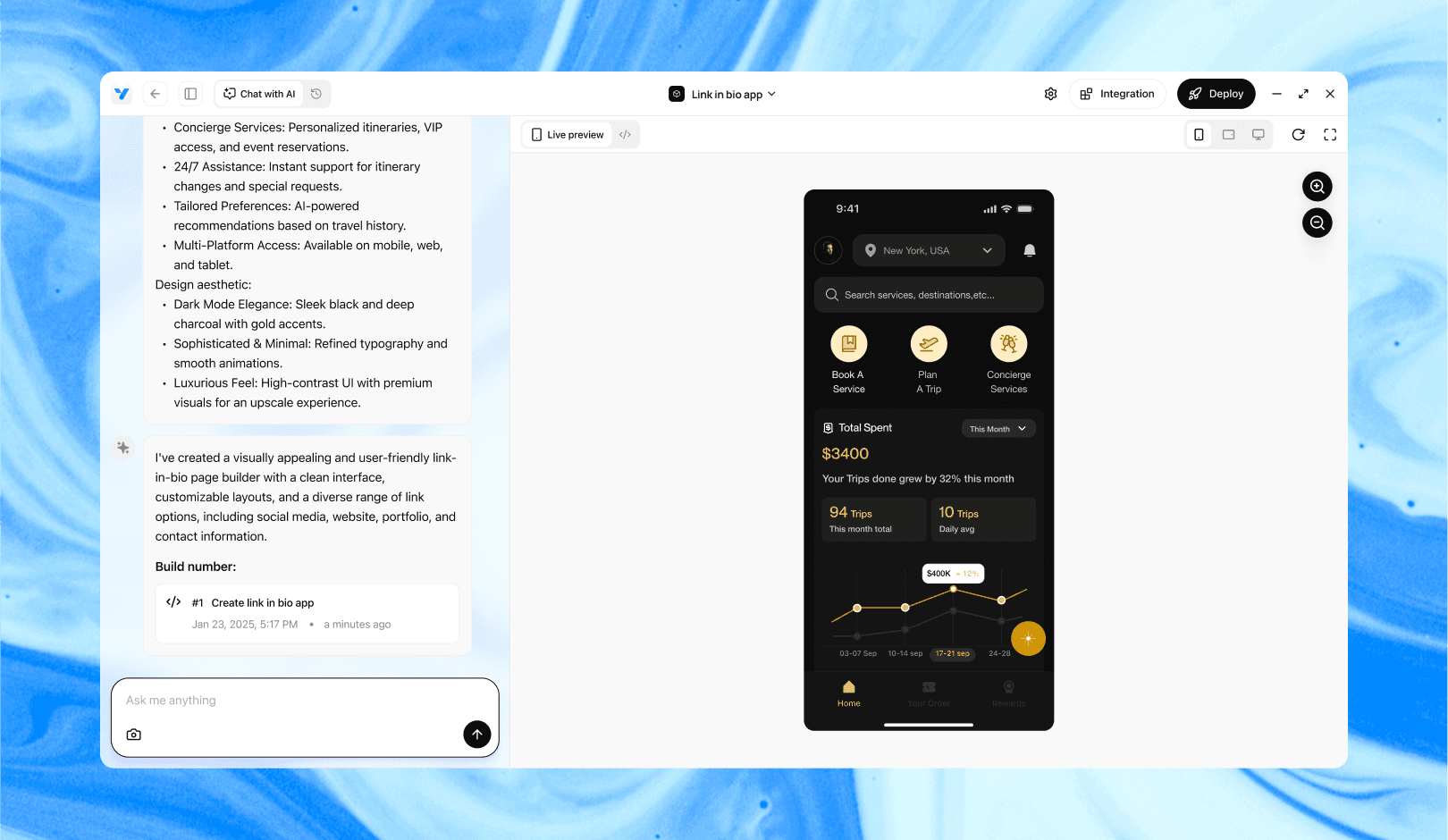
Vibe Studio, powered by Steve’s advanced AI agents, is a revolutionary no-code, conversational platform that empowers users to quickly and efficiently create full-stack Flutter applications integrated seamlessly with Firebase backend services. Ideal for solo founders, startups, and agile engineering teams, Vibe Studio allows users to visually manage and deploy Flutter apps, greatly accelerating the development process. The intuitive conversational interface simplifies complex development tasks, making app creation accessible even for non-coders.
Conclusion
Treat Vibe Studio projects like any other Flutter mobile development repo: keep generated and user-specific files out of Git, secure secrets out of source, and automate checks with CI. A concise .gitignore, disciplined branching, and secret management are the pillars of a maintainable Vibe Studio + Flutter repo. Document setup steps for contributors so reproducing your local and CI builds is straightforward.