Introduction
Turning a spreadsheet into a usable Flutter business app speeds delivery for many mobile development projects. Vibe Studio lets you connect spreadsheets, define data shapes, and generate endpoints/UI scaffolds so you focus on UX and business logic. This tutorial assumes you have a spreadsheet with rows representing items (orders, inventory, clients) and shows a pragmatic path from sheet to a lightweight Flutter mobile app.
Prepare Your Spreadsheet
Keep the sheet canonical: one row per record and the first row as column headers. Use consistent column names (no spaces, use snake_case or camelCase) and clear data types (date, number, text). Remove formula-only columns you don't need in the app. Example columns: id, customer_name, item, quantity, price, status, updated_at.
Add a sheet-specific configuration row or a separate tab for app metadata (e.g., default pageSize, readOnlyFields) so the generated API/UI can respect business rules. Validate data and mark sample records that represent edge cases (nulls, long text, unusual numbers) to exercise the UI.
Set Up Vibe Studio Project
Create a Vibe Studio project and connect the spreadsheet (Google Sheets / Excel stored in cloud). In Vibe Studio:
Map the sheet to a data model and specify field types. Use enums for fields like status.
Configure read/write rules and which fields are editable in the mobile UI.
Enable REST or GraphQL endpoints; most Flutter apps use REST for simplicity.
Vibe Studio typically lets you preview endpoints. Test CRUD calls with your sample data before moving to Flutter. Export or note the base URL, endpoints, and expected JSON schema.
Model Mapping And Code Generation
Translate the sheet schema into Dart models. Keep models small, typed, and with JSON (de)serialization for network work. Use a single model per sheet and helpers for computed fields (total = quantity * price). Example model:
class Order {
  final String id;
  final String customerName;
  final int quantity;
  final double price;

  Order({required this.id, required this.customerName, required this.quantity, required this.price});

  factory Order.fromJson(Map<String, dynamic> json) => Order(
    id: json['id'],
    customerName: json['customer_name'],
    quantity: json['quantity'],
    price: (json['price'] as num).toDouble(),
  );

  Map<String, dynamic> toJson() => {
    'id': id,
    'customer_name': customerName,
    'quantity': quantity,
    'price': price,
  };
}
Keep domain logic out of UI widgets. If Vibe Studio provides an SDK or generated client, prefer it for type safety and fewer manual requests.
Build The Flutter UI
Design minimal screens: a list view, a detail/edit screen, and a create form. Use ListView.builder for performance and RefreshIndicator for pull-to-refresh. Connect to the Vibe Studio endpoint with http, dio, or the generated client. Example of loading items:
Future<List<Order>> fetchOrders() async {
  final resp = await http.get(Uri.parse('https://api.vibestudio.app/orders'));
  final body = jsonDecode(resp.body) as List;
  return body.map((e) => Order.fromJson(e)).toList();
}
Handle common mobile development concerns:
Offline/slow networks: cache recent responses with local storage (sqflite or hive).
Validation: mirror spreadsheet rules in form validators.
Optimistic updates: update UI immediately then sync to Vibe Studio, rolling back on error.
Style the app to reflect business context: simple typography, status chips for order state, and clear affordances for actions like approve, cancel, or export.
Syncing, Automation, And Deployment
Use Vibe Studio for triggers: on sheet changes push notifications or webhooks to your app or backend. For mobile, implement push notifications for important state changes. Automate exports back to the sheet when users edit records so spreadsheet owners retain a single source of truth.
Test the full loop: edit in app → Vibe API updates sheet → sheet change triggers webhook → app receives update (or refreshes). For mobile development lifecycle, maintain separate Vibe environments for staging and production.
When ready, package the Flutter app for iOS and Android. Monitor network usage and error rates. Add instrumentation (Sentry, Firebase Crashlytics) before broad rollout.
Vibe Studio
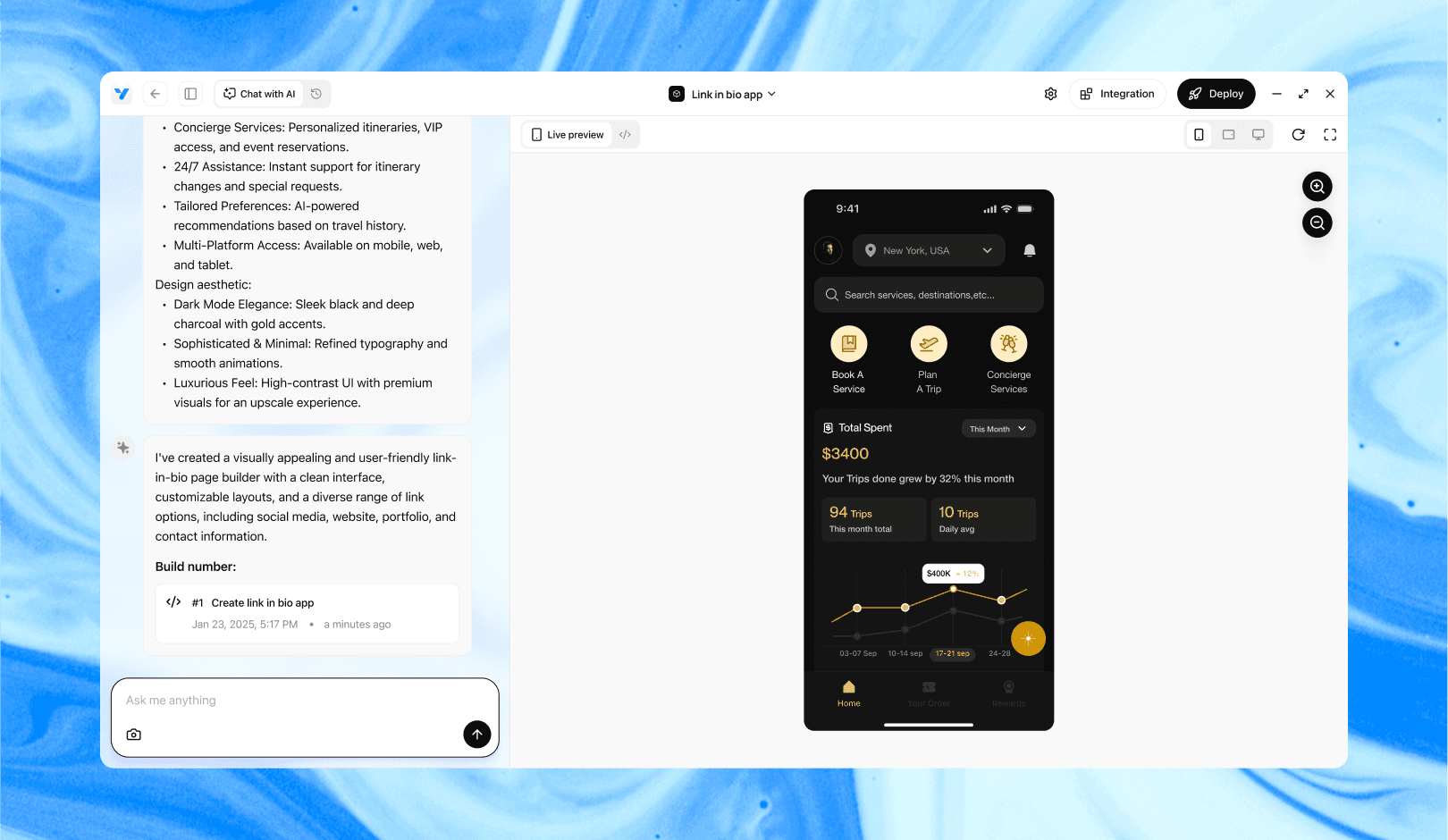
Vibe Studio, powered by Steve’s advanced AI agents, is a revolutionary no-code, conversational platform that empowers users to quickly and efficiently create full-stack Flutter applications integrated seamlessly with Firebase backend services. Ideal for solo founders, startups, and agile engineering teams, Vibe Studio allows users to visually manage and deploy Flutter apps, greatly accelerating the development process. The intuitive conversational interface simplifies complex development tasks, making app creation accessible even for non-coders.
Conclusion
Vibe Studio turns spreadsheets into backend-ready resources so you can ship Flutter mobile development projects quickly. The workflow is: clean the sheet, map fields in Vibe Studio, generate or consume endpoints, model data in Dart, and build a focused UI that respects business rules. Emphasize small iterative releases, offline resilience, and automated sync to keep spreadsheet owners and mobile users aligned.