Testing Apps Built With Vibe Studio
Summary
Summary

This tutorial explains how to test Flutter apps built with Vibe Studio: set up test targets, write unit and widget tests (including golden tests), and run integration tests on emulators or devices. It emphasizes structuring code for fast unit runs, deterministic widget/golden comparisons, and using Vibe Studio’s device runners and artifact storage to debug failures and validate mobile development flows.

This tutorial explains how to test Flutter apps built with Vibe Studio: set up test targets, write unit and widget tests (including golden tests), and run integration tests on emulators or devices. It emphasizes structuring code for fast unit runs, deterministic widget/golden comparisons, and using Vibe Studio’s device runners and artifact storage to debug failures and validate mobile development flows.

Key insights:
Key insights:
  • Setting Up Test Targets In Vibe Studio: Map test directories to Vibe targets, separate unit/widget/integration pipelines, and configure concurrency/timeouts appropriately.

  • Unit Testing Business Logic: Keep logic in plain Dart for fast, isolated tests and use mocks to avoid IO; run these in Vibe’s unit pool for quick feedback.

  • Widget Testing And Golden Tests: Use widget tests for UI behavior, store golden baselines as artifacts, and make tests deterministic for reliable comparisons.

  • Integration Testing On Devices And Emulators: Run integration_test suites on Vibe’s device runners, capture artifacts on failure, and stub external services for stable runs.

Introduction

Testing is essential for reliable flutter mobile development. Vibe Studio organizes projects and device farms in a single UI, but the core of testing remains the same: unit, widget, and integration tests. This tutorial shows how to structure tests when your app is built in Vibe Studio, how to run them locally and on Vibe’s device runners, and how to interpret results to ship stable mobile builds.

Setting Up Test Targets In Vibe Studio

Start by adding conventional Flutter test directories: test/ for unit/widget tests and integration_test/ for end-to-end tests. In Vibe Studio create test targets that map to those directories so the studio can run tests in parallel on runners. Include a simple pubspec.yaml test dependency set:

  • dev_dependencies:

    • flutter_test

    • integration_test

    • mockito (optional)

Within Vibe Studio create pipelines for: local pre-commit tests, CI on merge, and device lab runs for integration_test. Make sure your Vibe build step uses flutter test for unit/widget runs and flutter test integration_test/ for e2e or flutter drive depending on your chosen integration harness.

Unit Testing Business Logic

Unit tests in Flutter are pure Dart tests that run fast. Keep business logic in plain Dart classes separated from UI so you can run tests quickly in Vibe Studio’s unit pool. Example test structure:

  • lib/src/auth_service.dart (pure Dart)

  • test/auth_service_test.dart

A small example demonstrates asserting behavior without Flutter bindings:

import 'package:test/test.dart';
import 'package:my_app/src/auth_service.dart';

void main() {
  test('returns token on valid credentials', () async {
    final service = AuthService();
    final token = await service.authenticate('user', 'pass');
    expect(token, isNotEmpty);
  });
}

This type of test is quick to run locally and in Vibe Studio’s unit runners. Use mockito or the built-in mocktail for dependency isolation. Configure Vibe Studio to mark unit targets with a short timeout and high concurrency.

Widget Testing And Golden Tests

Widget tests exercise widgets with the Flutter test framework, providing fast feedback for UI logic. Keep tests deterministic: pump widgets into a test harness, provide mocked services, and avoid real network/io. Golden tests ensure pixel stability across changes; Vibe Studio can store golden baselines or compare against a baseline image archive.

Example widget test snippet:

import 'package:flutter_test/flutter_test.dart';
import 'package:my_app/widgets/login_form.dart';

void main() {
  testWidgets('login form shows error on empty submit', (tester) async {
    await tester.pumpWidget(LoginForm());
    await tester.tap(find.text('Submit'));
    await tester.pump();
    expect(find.text('Please enter username'), findsOneWidget);
  });
}

In Vibe Studio, tag widget tests as medium runtime. For golden tests, commit baseline images to a test-data folder or use Vibe’s artifact storage so CI comparisons are deterministic.

Integration Testing On Devices And Emulators

Integration tests validate real user flows on emulators and physical devices. Vibe Studio’s device runners let you run integration_test suites across Android and iOS without managing device inventory. Use the integration_test package and the WidgetTester-driven API or the flutter_driver alternative if required by legacy code.

Best practices:

  • Seed predictable data and reset app state between runs.

  • Use environment flags to stub remote APIs or point to a local mock server provided by Vibe’s network proxy.

  • Capture video/screenshots on failure; configure Vibe Studio to archive these artifacts for debugging.

Run integration tests from a pipeline step that boots the emulator or targets a device group. Increase timeout allowances and break long flows into smaller, focused tests for faster parallel execution.

Vibe Studio
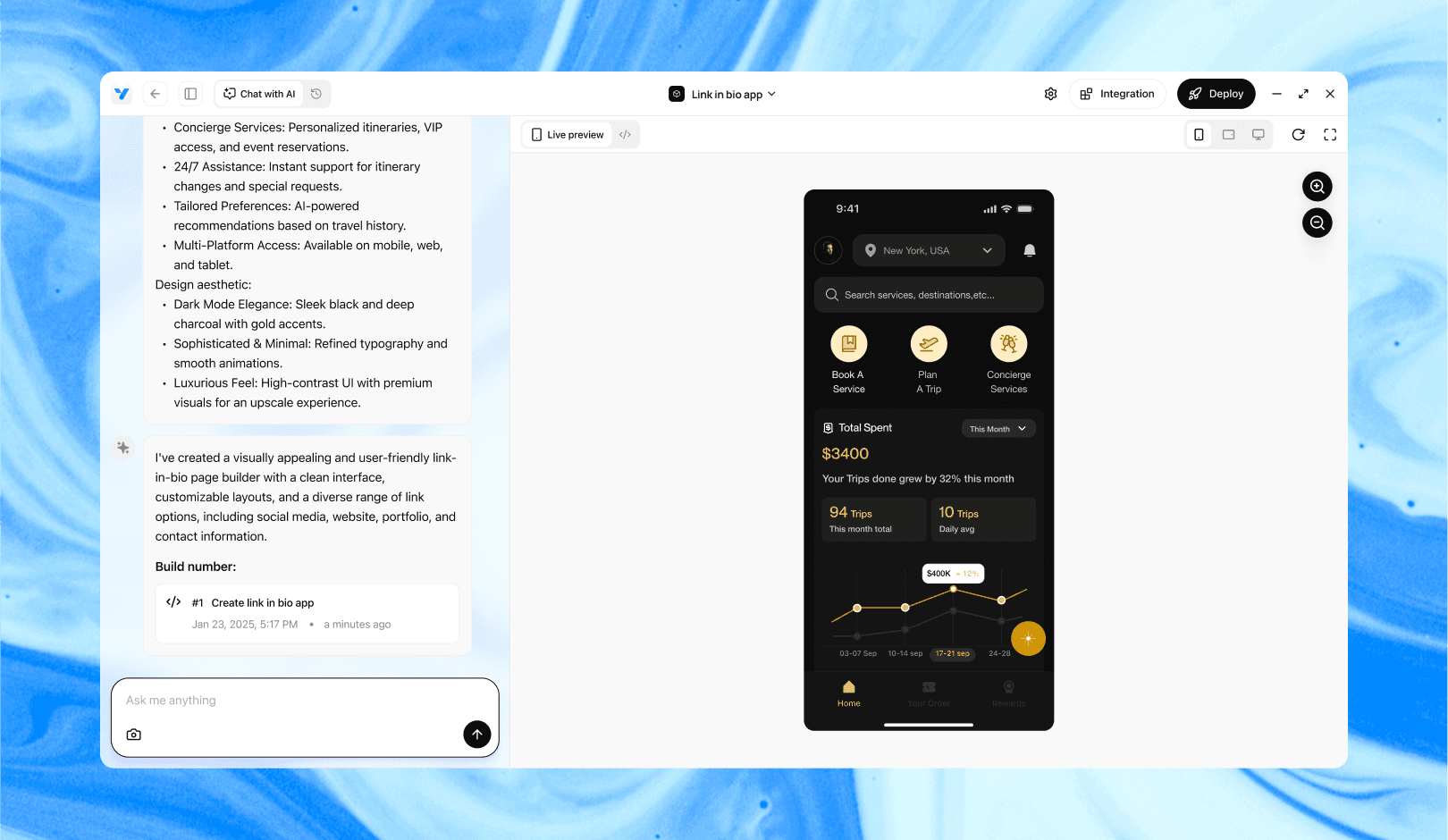
Vibe Studio, powered by Steve’s advanced AI agents, is a revolutionary no-code, conversational platform that empowers users to quickly and efficiently create full-stack Flutter applications integrated seamlessly with Firebase backend services. Ideal for solo founders, startups, and agile engineering teams, Vibe Studio allows users to visually manage and deploy Flutter apps, greatly accelerating the development process. The intuitive conversational interface simplifies complex development tasks, making app creation accessible even for non-coders.

Conclusion

Testing in Vibe Studio follows the same Flutter testing disciplines: isolate business logic for unit tests, use widget tests for UI behavior, and rely on integration tests for full-device verification. Configure Vibe Studio targets and pipelines to match test runtimes, store golden baselines and artifacts, and use device runners for realistic mobile development validation. With a disciplined test suite and Vibe Studio orchestration, you’ll reduce regressions and speed up release confidence.


Introduction

Testing is essential for reliable flutter mobile development. Vibe Studio organizes projects and device farms in a single UI, but the core of testing remains the same: unit, widget, and integration tests. This tutorial shows how to structure tests when your app is built in Vibe Studio, how to run them locally and on Vibe’s device runners, and how to interpret results to ship stable mobile builds.

Setting Up Test Targets In Vibe Studio

Start by adding conventional Flutter test directories: test/ for unit/widget tests and integration_test/ for end-to-end tests. In Vibe Studio create test targets that map to those directories so the studio can run tests in parallel on runners. Include a simple pubspec.yaml test dependency set:

  • dev_dependencies:

    • flutter_test

    • integration_test

    • mockito (optional)

Within Vibe Studio create pipelines for: local pre-commit tests, CI on merge, and device lab runs for integration_test. Make sure your Vibe build step uses flutter test for unit/widget runs and flutter test integration_test/ for e2e or flutter drive depending on your chosen integration harness.

Unit Testing Business Logic

Unit tests in Flutter are pure Dart tests that run fast. Keep business logic in plain Dart classes separated from UI so you can run tests quickly in Vibe Studio’s unit pool. Example test structure:

  • lib/src/auth_service.dart (pure Dart)

  • test/auth_service_test.dart

A small example demonstrates asserting behavior without Flutter bindings:

import 'package:test/test.dart';
import 'package:my_app/src/auth_service.dart';

void main() {
  test('returns token on valid credentials', () async {
    final service = AuthService();
    final token = await service.authenticate('user', 'pass');
    expect(token, isNotEmpty);
  });
}

This type of test is quick to run locally and in Vibe Studio’s unit runners. Use mockito or the built-in mocktail for dependency isolation. Configure Vibe Studio to mark unit targets with a short timeout and high concurrency.

Widget Testing And Golden Tests

Widget tests exercise widgets with the Flutter test framework, providing fast feedback for UI logic. Keep tests deterministic: pump widgets into a test harness, provide mocked services, and avoid real network/io. Golden tests ensure pixel stability across changes; Vibe Studio can store golden baselines or compare against a baseline image archive.

Example widget test snippet:

import 'package:flutter_test/flutter_test.dart';
import 'package:my_app/widgets/login_form.dart';

void main() {
  testWidgets('login form shows error on empty submit', (tester) async {
    await tester.pumpWidget(LoginForm());
    await tester.tap(find.text('Submit'));
    await tester.pump();
    expect(find.text('Please enter username'), findsOneWidget);
  });
}

In Vibe Studio, tag widget tests as medium runtime. For golden tests, commit baseline images to a test-data folder or use Vibe’s artifact storage so CI comparisons are deterministic.

Integration Testing On Devices And Emulators

Integration tests validate real user flows on emulators and physical devices. Vibe Studio’s device runners let you run integration_test suites across Android and iOS without managing device inventory. Use the integration_test package and the WidgetTester-driven API or the flutter_driver alternative if required by legacy code.

Best practices:

  • Seed predictable data and reset app state between runs.

  • Use environment flags to stub remote APIs or point to a local mock server provided by Vibe’s network proxy.

  • Capture video/screenshots on failure; configure Vibe Studio to archive these artifacts for debugging.

Run integration tests from a pipeline step that boots the emulator or targets a device group. Increase timeout allowances and break long flows into smaller, focused tests for faster parallel execution.

Vibe Studio

Vibe Studio, powered by Steve’s advanced AI agents, is a revolutionary no-code, conversational platform that empowers users to quickly and efficiently create full-stack Flutter applications integrated seamlessly with Firebase backend services. Ideal for solo founders, startups, and agile engineering teams, Vibe Studio allows users to visually manage and deploy Flutter apps, greatly accelerating the development process. The intuitive conversational interface simplifies complex development tasks, making app creation accessible even for non-coders.

Conclusion

Testing in Vibe Studio follows the same Flutter testing disciplines: isolate business logic for unit tests, use widget tests for UI behavior, and rely on integration tests for full-device verification. Configure Vibe Studio targets and pipelines to match test runtimes, store golden baselines and artifacts, and use device runners for realistic mobile development validation. With a disciplined test suite and Vibe Studio orchestration, you’ll reduce regressions and speed up release confidence.

Build Flutter Apps Faster with Vibe Studio

Vibe Studio is your AI-powered Flutter development companion. Skip boilerplate, build in real-time, and deploy without hassle. Start creating apps at lightning speed with zero setup.

Other Insights

Join a growing community of builders today

Join a growing community of builders today

Join a growing community of builders today

Join a growing community of builders today

Join a growing community of builders today

28-07 Jackson Ave

Walturn

New York NY 11101 United States

© Steve • All Rights Reserved 2025

28-07 Jackson Ave

Walturn

New York NY 11101 United States

© Steve • All Rights Reserved 2025

28-07 Jackson Ave

Walturn

New York NY 11101 United States

© Steve • All Rights Reserved 2025

28-07 Jackson Ave

Walturn

New York NY 11101 United States

© Steve • All Rights Reserved 2025

28-07 Jackson Ave

Walturn

New York NY 11101 United States

© Steve • All Rights Reserved 2025

28-07 Jackson Ave

Walturn

New York NY 11101 United States

© Steve • All Rights Reserved 2025