Introduction
AI-generated features in Flutter mobile development introduce state complexity: streamed model outputs, token buffers, user prompts, async model calls, and local UI state all interact. Managing that complexity is essential for predictable apps, efficient resource use, and maintainable code. This article shows practical patterns and code-forward examples to manage state in AI-driven Flutter apps, focusing on clear separation, scalability, and testability.
State Patterns For AI Workflows
Start by classifying state into three types: UI State (transient view data), Domain State (conversation, prompt history, generation metadata), and Remote State (server or model responses). Keeping these separate prevents tight coupling between presentation and AI logic.
Use immutable models for domain state and hold mutable UI pieces in widgets or local controllers. For example, a conversation model can be an immutable class with a copyWith method, while the current input text remains a TextEditingController in the widget tree.
Adopt event-driven updates for streaming responses. A stream that yields partial tokens should update a focused slice of state (e.g., currentResponse) rather than reconstructing entire conversation objects on each token. This reduces rebuilds and keeps performance steady on mobile.
Choosing A State Management Approach
Pick a management approach that matches app scale:
Small apps: Provider with ChangeNotifier or ValueNotifier keeps code simple.
Medium apps: Riverpod or BLoC provides better testability and predictable state transitions.
Large apps: Combine layered architectures—an API service for AI calls, a repository for caching and retry logic, and a domain layer for conversation transformations.
Example: a compact ChangeNotifier that streams tokens into UI state.
class TokenStreamNotifier extends ChangeNotifier {
  String _text = '';
  String get text => _text;
  void addToken(String token) {
    _text += token;
    notifyListeners();
  }
}
In production, prefer state machines or BLoC for multi-step interactions (prompt construction -> model call -> streaming -> finalize) because they express valid transitions and make error handling explicit.
Integrating With AI Services
Treat AI calls as a remote dependency behind an interface. This allows swapping implementations (local model, remote API, mock) without changing UI or domain logic. Handle backpressure and retries: mobile networks are variable, and large streaming responses can overwhelm memory.
Use chunked processing: persist finalized segments to disk or local DB as they complete, and keep only the active buffer in memory. For streaming APIs, expose a Stream or AsyncIterable from the service layer; the state manager subscribes and updates a targeted state slice.
Manage authentication and quotas at the repository layer. Avoid embedding credentials in widgets. Centralized error mapping converts API errors to meaningful domain errors that the UI can present succinctly.
Testing And Performance
Unit-test domain logic: validate how prompts transform into API requests and how partial tokens append to messages. Mock the AI service stream to test streaming behavior deterministically.
Widget and integration tests should assert UI behavior with mocked state providers. For mobile development, measure rebuilds: use performance tools (DevTools) and prefer granular providers (e.g., selectors) so only widgets that need updates rebuild when a token arrives.
Memory: stream large outputs to disk when exceeding a threshold. CPU: offload heavy parsing to isolates if you do postprocessing like token alignment or semantic highlighting.
Vibe Studio
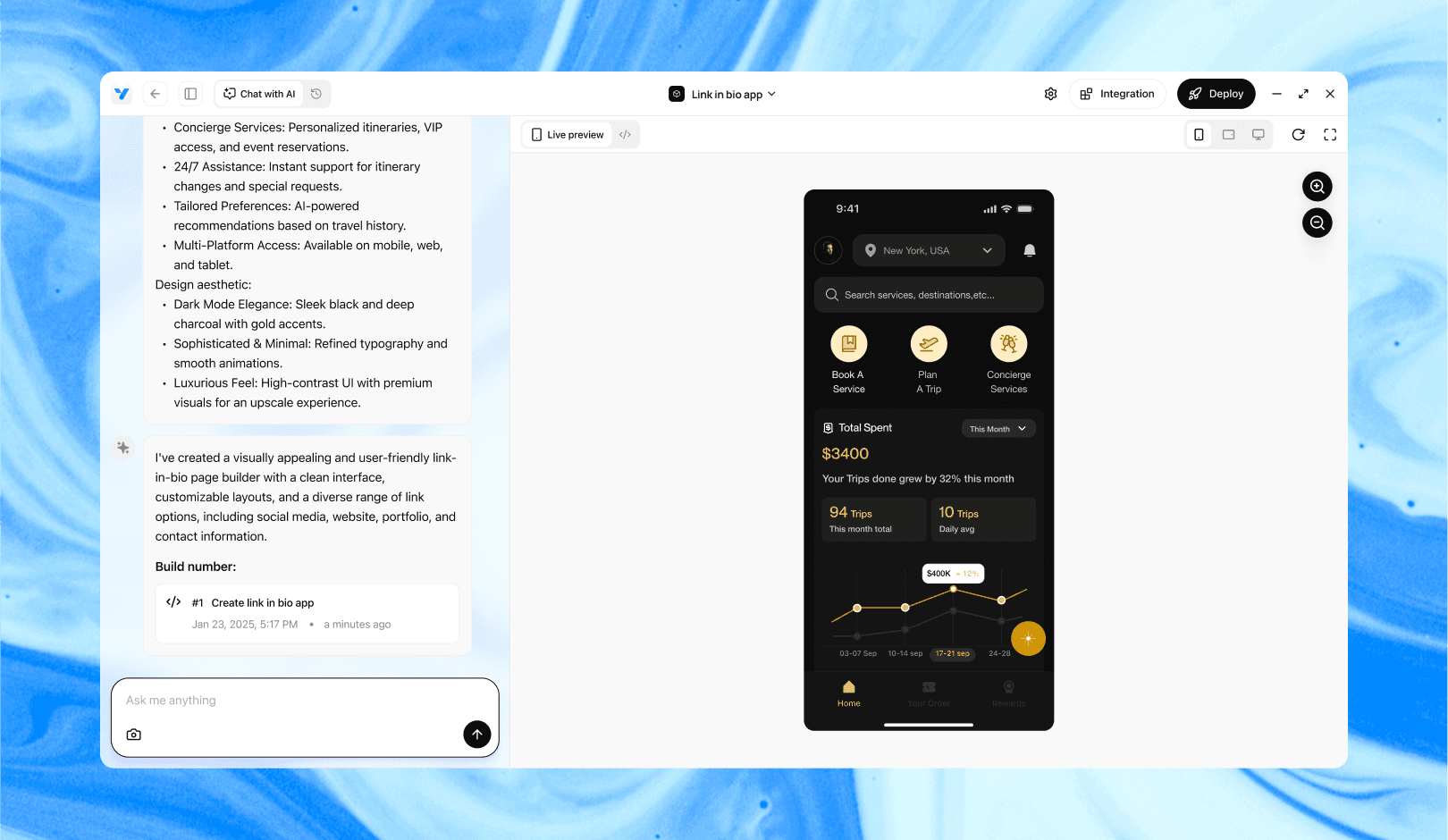
Vibe Studio, powered by Steve’s advanced AI agents, is a revolutionary no-code, conversational platform that empowers users to quickly and efficiently create full-stack Flutter applications integrated seamlessly with Firebase backend services. Ideal for solo founders, startups, and agile engineering teams, Vibe Studio allows users to visually manage and deploy Flutter apps, greatly accelerating the development process. The intuitive conversational interface simplifies complex development tasks, making app creation accessible even for non-coders.
Conclusion
Managing state in AI-generated Flutter apps requires deliberate separation: immutable domain models, focused mutable UI controllers, and a clear remote service boundary. Choose a state management pattern that fits your app size, prefer streaming-friendly approaches for tokenized outputs, and design testable layers. With these practices, your Flutter mobile development remains maintainable and performant even as AI features grow in complexity.