Introduction
Vibe Studio is a Flutter-first navigation architecture designed for predictable, testable routing in modern mobile development. It adopts Navigator 2.0 principles but surfaces a declarative, app-centered route configuration that simplifies deep linking, nested navigation, and back-stack control. This article explains the core patterns Vibe Studio uses, shows small code examples, and explains how those patterns solve common navigation problems in Flutter apps.
Routing Architecture
At Vibe Studio the app routing model separates three responsibilities: translating platform URLs to typed route objects, expressing the navigation state, and rendering UI from that state. The implementation uses RouteInformationParser to parse incoming URLs into a lightweight RouteState, a RouterDelegate that owns the stack, and a single source-of-truth RouteConfig that describes allowed routes.
Key points:
RouteState is immutable and minimal: it contains path segments and optional parameters.
RouterDelegate listens to a central NavigationController (a ChangeNotifier) and emits new Navigator pages when state changes.
Back button handling is fed into the same controller so Android and iOS behave consistently.
Example minimal route mapping (declarative, central):
final routeConfig = {
  '/': (_) => HomePage(),
  '/profile': (args) => ProfilePage(userId: args['id']),
  '/settings': (_) => SettingsPage(),
};
Declarative Route Definitions
Vibe Studio favors a declarative route table that maps canonical paths to builders and metadata (guards, roles, transition hints). This lets developers reason about the whole app surface instead of scattering push calls throughout the codebase.
Advantages:
Centralized guards: authentication and feature flags are applied before the RouterDelegate mutates the stack.
Predictable animation and deep-link behavior because transitions are expressed as metadata rather than ad-hoc push/pop calls.
Testable: you can assert that a given RouteState resolves to the expected page widget without pumping the whole app.
Navigation Patterns And State
There are two primary navigation patterns in Vibe Studio: global stack navigation and nested shell stacks.
Global stack navigation is used for normal linear flows (home -> details -> checkout). The central RouterDelegate composes a List from RouteState and returns a Navigator for the root.
Nested shell stacks are used for tabbed interfaces or feature modules. Each shell has its own Navigator and can maintain an independent history. Vibe Studio syncs shell stacks to the global RouteState so deep links can restore nested history in one pass.
RouterDelegate skeleton (simplified):
class VibeRouterDelegate extends RouterDelegate<RouteState>
    with ChangeNotifier, PopNavigatorRouterDelegateMixin<RouteState> {
  final NavigationController controller;
  @override
  Widget build(BuildContext context) => Navigator(pages: controller.pages, onPopPage: controller.onPop);
}
State synchronization strategies:
RouteState is serializable so it can be persisted for state restoration and testing.
Controller exposes imperative helpers (push, replace, popUntil) that update RouteState and call notifyListeners.
Guards can mutate RouteState: when a guard blocks, it returns an alternative RouteState (for example, a login route).
Deep Linking And URL Strategy
Vibe Studio integrates URL strategy for web and deep linking for mobile using the same RouteInformationParser. The parser pattern-matches the URL to extract route segments and query parameters, then emits a RouteState the RouterDelegate consumes.
Practices:
Use a single canonical path per screen and canonical query parameters to keep links stable between versions.
Keep route parsing orthogonal: parsing should never depend on global app state; guards run after parsing.
For dynamic content (IDs, slugs), validate IDs early and return a 404 route state to the RouterDelegate if validation fails.
Testing And Performance
Because navigation is declarative, unit tests can run against RouteState and builder functions without pumping widgets. Integration tests simulate incoming RouteInformation and assert rendered pages. Performance-wise, Vibe Studio minimizes rebuilds by producing shallow Page objects and letting Flutter reuse elements where possible.
Conclusion
Vibe Studio handles navigation by combining Navigator 2.0 primitives with a clear separation of concerns: parse URL -> build canonical RouteState -> render pages from a declarative RouteConfig -> apply guards and nested stacks. This model improves testability, deep-link handling, and consistency across mobile development targets. For Flutter teams building medium-to-large apps, adopting a centralized, declarative navigation layer like Vibe Studio reduces routing bugs and makes behavior explicit and reviewable.
Vibe Studio
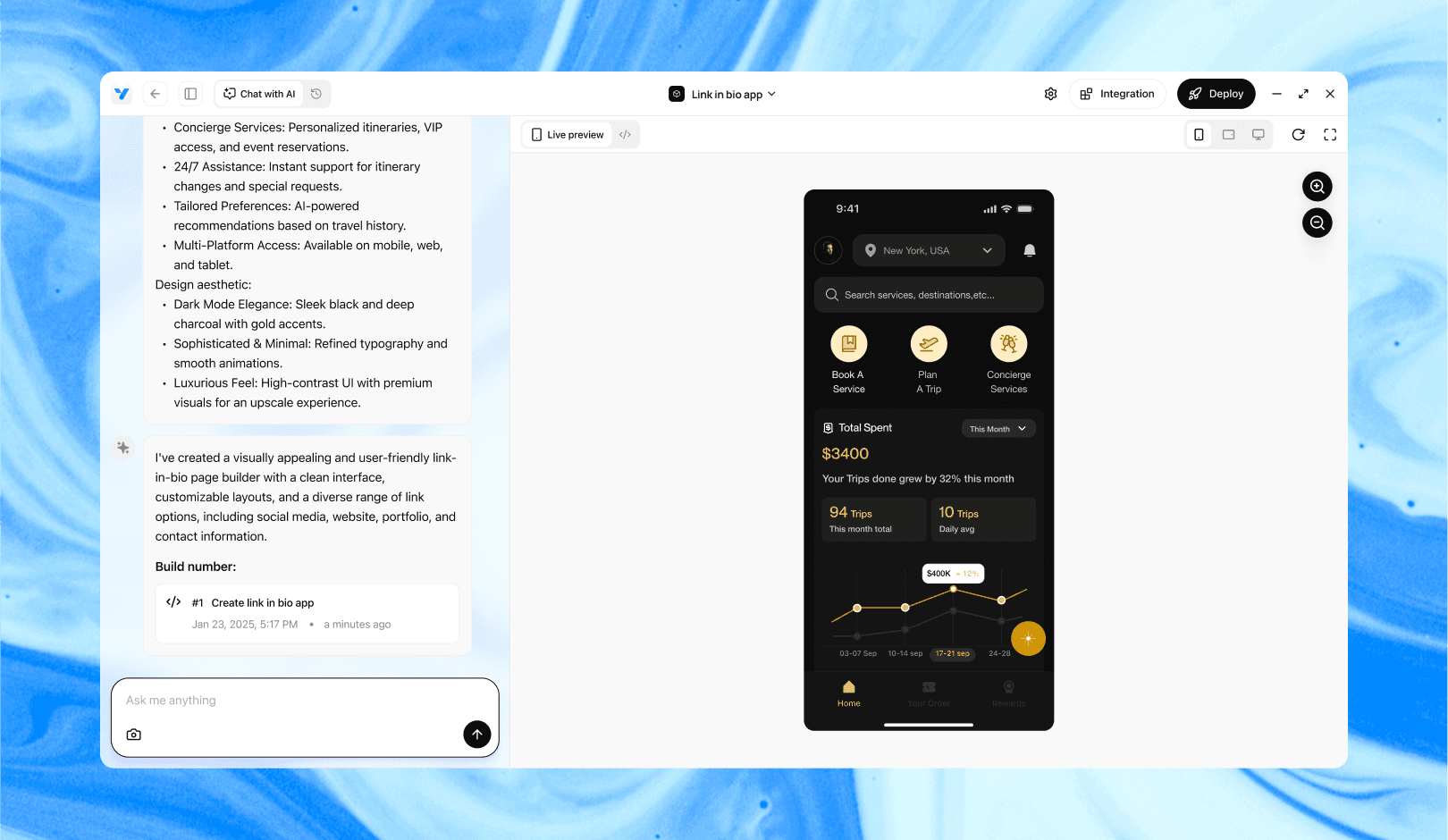
Vibe Studio, powered by Steve’s advanced AI agents, is a revolutionary no-code, conversational platform that empowers users to quickly and efficiently create full-stack Flutter applications integrated seamlessly with Firebase backend services. Ideal for solo founders, startups, and agile engineering teams, Vibe Studio allows users to visually manage and deploy Flutter apps, greatly accelerating the development process. The intuitive conversational interface simplifies complex development tasks, making app creation accessible even for non-coders.