Introduction
Writing effective prompts for generating or refining complex Flutter layouts is a skill that bridges design intent and executable code. In mobile development teams you need prompts that reduce ambiguity, specify constraints, and provide concrete examples so the produced layout is predictable and testable. This article shows a precise, code-forward approach to prompt construction for complex Flutter UI tasks.
Define The Layout Precisely
Start prompts by naming the screen and the user goal. Describe the high-level arrangement: rows vs columns, scrolling direction, presence of overlays, and whether elements are fixed or flexible. Avoid vague words like 'nicely spaced' or 'make it look good'. Use explicit terms: 'two-column grid on tablets, single-column list on phones', 'header fixed, content scrolls under a translucent app bar'.
Include a minimal widget hierarchy in the prompt. That reduces guessing and guides the model toward idiomatic Flutter widgets.
Example prompt fragment to include in a request:
Screen: Product Catalog
Layout: AppBar (fixed) > Filter Row (sticky) > Responsive Grid/List (scrollable)
Behavior: Grid with 2 columns when width >= 600, otherwise a single column list
Embedding a short widget-tree example in the prompt is very effective:
Scaffold
  -> AppBar(title: 'Catalog')
  -> Column
     -> FilterRow (sticky)
     -> Expanded
        -> LayoutBuilder -> GridView.count or ListView
Specify Constraints And Responsive Behavior
Constraints are the most important part of a prompt for mobile development. Always specify breakpoints, aspect ratios, spacing, and overflow rules. Tell the model what should happen when space is constrained: which item should truncate, which should wrap, which should collapse into an overflow menu.
Key constraints to include:
Exact breakpoint values: 'use 600 and 1024 logical pixels'
Item sizing: 'cards must maintain 3:2 aspect ratio, min width 140px'
Spacing: '8px horizontal grid spacing, 12px vertical spacing'
Accessibility: 'minimum tap target 48x48, support large font scaling'
If animation or transitions matter, state durations and easing. If state is controlled externally, declare that as well: 'filter state provided via ValueNotifier'.
Provide Visual And Code Examples
A small code snippet in the prompt is a powerful anchor. Provide an example of both structure and styling tokens you expect. Show how widgets should respond to constraints using LayoutBuilder or MediaQuery. Include example JSON or Map data shapes so generated list builders can wire to realistic models.
Example responsive pattern to include or ask the model to use:
LayoutBuilder(
  builder: (c, constraints) {
    final cols = constraints.maxWidth >= 600 ? 2 : 1;
    return GridView.count(crossAxisCount: cols);
  },
)
Also include a small visual description: 'On narrow screens, cards stack vertically with leading image above title. On wide screens, show image left, text right.' This prevents the generator from making arbitrary image placements.
Iterate With Targeted Prompts
Treat the first response as a draft. Use targeted follow-ups: ask for smaller diffs rather than a full rewrite. Provide failing scenarios and ask for fixes: 'When a long title appears, truncate to two lines with ellipsis and increase card height rather than overflow.'
Good follow-up prompt patterns:
'Refine the grid to keep 3:2 aspect ratio and add placeholders for loading.'
'Replace hard-coded colors with Theme.of(context) tokens.'
'Convert inline layout into reusable widgets: CatalogGrid, CatalogCard.'
For testing, ask the generator to add a small unit-style widget test or a Golden test reference to verify visual stability.
Vibe Studio
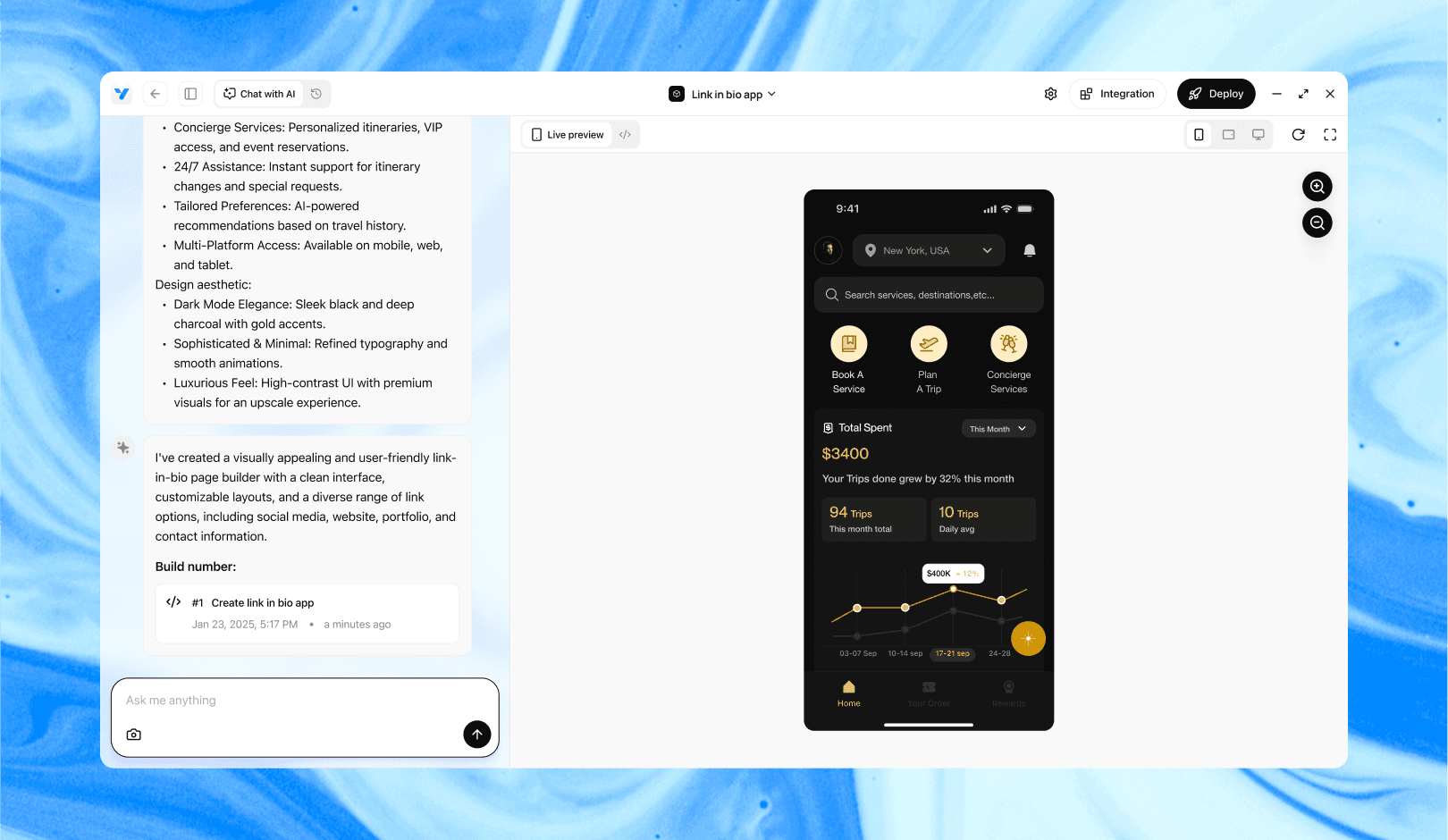
Vibe Studio, powered by Steve’s advanced AI agents, is a revolutionary no-code, conversational platform that empowers users to quickly and efficiently create full-stack Flutter applications integrated seamlessly with Firebase backend services. Ideal for solo founders, startups, and agile engineering teams, Vibe Studio allows users to visually manage and deploy Flutter apps, greatly accelerating the development process. The intuitive conversational interface simplifies complex development tasks, making app creation accessible even for non-coders.
Conclusion
Effective prompts for complex Flutter layouts convert ambiguity into constraints: explicit widget trees, breakpoints, sizing rules, data shapes, and behavior for edge cases. Include short code anchors and iterate with narrow change requests. Doing so makes generated layouts reliable, responsive, and aligned with mobile development best practices.