How To Review Generated Dart For Performance Issues
Summary
Summary

Practical guidance to review generated Dart for Flutter mobile development performance: run static analysis, find allocations and repaint hotspots, ensure const usage and proper keys, avoid recreating callbacks, and move heavy IO or parsing off the UI thread. Profile with DevTools and improve the generator when patterns repeat.

Practical guidance to review generated Dart for Flutter mobile development performance: run static analysis, find allocations and repaint hotspots, ensure const usage and proper keys, avoid recreating callbacks, and move heavy IO or parsing off the UI thread. Profile with DevTools and improve the generator when patterns repeat.

Key insights:
Key insights:
  • Static Analysis And Linting: Use analysis_options and performance lints to catch issues early and avoid blanket ignore comments.

  • Hotspots: Allocations And Repaints: Identify allocations in build methods; prefer const and reuse Paint/Path to reduce GC and repaints.

  • Widget Rebuilds And State Management: Minimize rebuild scope by placing state granularly and avoid recreating callbacks each build.

  • IO, Async, And Platform Channels: Move heavy parsing and IO to isolates or compute; avoid blocking platform channel calls during builds.

  • Practical Review Checklist: Combine grep, dart analyze, and DevTools profiling to locate generator-sourced hotspots and iterate on the generator itself.

Introduction

Generated Dart code is increasingly used in Flutter mobile development: from codegen for JSON, gRPC stubs, to UI builders produced by design tools. Generated code can be correct but not optimal. As a reviewer, your job is to spot patterns that harm runtime performance, memory, or battery life in real devices. This guide gives a practical checklist and code-forward examples to review generated Dart for performance issues.

Static Analysis And Linting

Start with automated checks. Static analysis catches many common performance pitfalls before runtime. Enable analysis_options with recommended lints and add performance-oriented rules such as avoid_redundant_argument_values and prefer_const_constructors. Use dart analyze and integrate it into CI to block regressions.

Look for generated code that disables lints via ignore comments. Generated files sometimes include extensive ignore lists; verify that ignores are scoped and justified. If a generator routinely emits patterns that require ignores, consider improving the generator rather than silencing warnings.

Hotspots: Allocations And Repaints

High-frequency allocations are a top source of jank on mobile. In Flutter, watch for generated code that allocates objects or closures inside build methods or tight animation loops. Common offenders are building lists with non-const items, creating new TextStyle or EdgeInsets repeatedly, and allocating temporary collections on every frame.

Search the generated output for new and collection literals inside widget build methods. Prefer const where possible. For example, a generator should emit const constructors for static widgets:

// Prefer emitted code like this
const Text('Hello', style: TextStyle(fontSize: 16));

// Instead of emitting non-const instances every build
Text('Hello', style: TextStyle(fontSize: 16));

Also inspect painting and compositing. If generated widgets compose many layers, verify they use RepaintBoundary appropriately and avoid unnecessarily large stacking that forces compositing work. Reuse Paint/Path objects when a generator creates many identical instances for custom painters.

Widget Rebuilds And State Management

Generated UI code often produces deeply nested widgets. That makes it easy to trigger wide rebuilds. Review whether the generator uses const constructors, ValueKey/UniqueKey appropriately, and whether it inlines callbacks or recreates State objects.

Watch for frequent use of anonymous closures as callback parameters in generated widgets. While concise, they cause widgets to be unequal across builds and can prevent optimizations. Prefer emitting method tear-offs or final callbacks captured outside the build:

// Better emitted form
final void Function() onTap; // stored once
...
GestureDetector(onTap: onTap);

Evaluate state placement. Generators that put entire screens into a single StatefulWidget can cause redundant setState scope. Recommend local or granular state objects (InheritedWidget, Provider, Riverpod, ValueNotifier) so updates only rebuild necessary subtrees.

IO, Async, And Platform Channels

Generated network or serialization code can introduce blocking behavior. Look for synchronous file IO, heavy JSON decoding on the UI isolate, or platform channel calls in build methods. Move expensive tasks off the UI thread to compute or separate isolates.

Inspect generated serializers: many tools create deep recursive decoders that allocate many small objects. Consider stream-based parsing or partial decoding for large payloads. For gRPC or platform channels, ensure backpressure and batching are respected; avoid sending many small messages each frame.

Profiling-generated async code also matters. Use Observatory/DevTools to inspect isolate CPU spikes and memory churn originating from generated modules. Annotate hotspots in the generator so reviewers can quickly locate the source file.

Practical Review Checklist

  • Run dart analyze and address performance lints. If the generator needs changes, file an improvement ticket.

  • Grep for new allocations inside build methods: new, List<>, {}, TextStyle(), EdgeInsets. Ask the generator author to emit const or reuse instances.

  • Look at generated widget trees for const usage and keys. Replace anonymous closures with references where possible.

  • Ensure heavy work is off the UI isolate: move parsing, encryption, or decoding into compute or an isolate.

  • Run Flutter DevTools: record a profile, inspect raster and UI threads, and attribute frames to generated files.

  • Verify platform channel usage is batched and non-blocking.

Vibe Studio
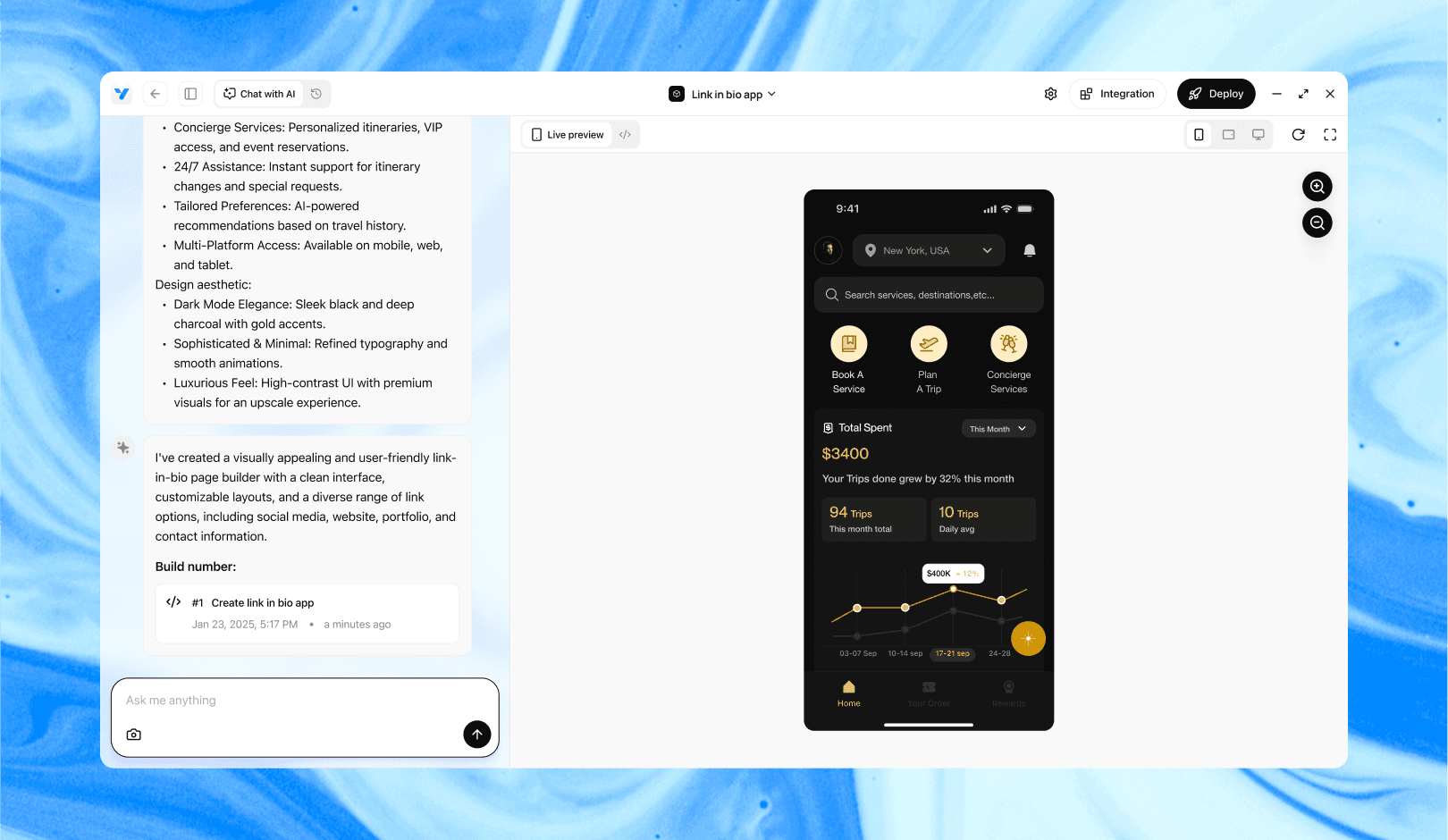
Vibe Studio, powered by Steve’s advanced AI agents, is a revolutionary no-code, conversational platform that empowers users to quickly and efficiently create full-stack Flutter applications integrated seamlessly with Firebase backend services. Ideal for solo founders, startups, and agile engineering teams, Vibe Studio allows users to visually manage and deploy Flutter apps, greatly accelerating the development process. The intuitive conversational interface simplifies complex development tasks, making app creation accessible even for non-coders.

Conclusion

Reviewing generated Dart for performance in Flutter mobile development is systematic: apply static analysis, inspect allocations and repaint behavior, verify state and rebuild boundaries, and ensure async work is off the UI thread. When you find recurring patterns, fix the generator so the emitted code is performant by default. A small upfront investment in generator quality yields large runtime and UX improvements across your app fleet.

Introduction

Generated Dart code is increasingly used in Flutter mobile development: from codegen for JSON, gRPC stubs, to UI builders produced by design tools. Generated code can be correct but not optimal. As a reviewer, your job is to spot patterns that harm runtime performance, memory, or battery life in real devices. This guide gives a practical checklist and code-forward examples to review generated Dart for performance issues.

Static Analysis And Linting

Start with automated checks. Static analysis catches many common performance pitfalls before runtime. Enable analysis_options with recommended lints and add performance-oriented rules such as avoid_redundant_argument_values and prefer_const_constructors. Use dart analyze and integrate it into CI to block regressions.

Look for generated code that disables lints via ignore comments. Generated files sometimes include extensive ignore lists; verify that ignores are scoped and justified. If a generator routinely emits patterns that require ignores, consider improving the generator rather than silencing warnings.

Hotspots: Allocations And Repaints

High-frequency allocations are a top source of jank on mobile. In Flutter, watch for generated code that allocates objects or closures inside build methods or tight animation loops. Common offenders are building lists with non-const items, creating new TextStyle or EdgeInsets repeatedly, and allocating temporary collections on every frame.

Search the generated output for new and collection literals inside widget build methods. Prefer const where possible. For example, a generator should emit const constructors for static widgets:

// Prefer emitted code like this
const Text('Hello', style: TextStyle(fontSize: 16));

// Instead of emitting non-const instances every build
Text('Hello', style: TextStyle(fontSize: 16));

Also inspect painting and compositing. If generated widgets compose many layers, verify they use RepaintBoundary appropriately and avoid unnecessarily large stacking that forces compositing work. Reuse Paint/Path objects when a generator creates many identical instances for custom painters.

Widget Rebuilds And State Management

Generated UI code often produces deeply nested widgets. That makes it easy to trigger wide rebuilds. Review whether the generator uses const constructors, ValueKey/UniqueKey appropriately, and whether it inlines callbacks or recreates State objects.

Watch for frequent use of anonymous closures as callback parameters in generated widgets. While concise, they cause widgets to be unequal across builds and can prevent optimizations. Prefer emitting method tear-offs or final callbacks captured outside the build:

// Better emitted form
final void Function() onTap; // stored once
...
GestureDetector(onTap: onTap);

Evaluate state placement. Generators that put entire screens into a single StatefulWidget can cause redundant setState scope. Recommend local or granular state objects (InheritedWidget, Provider, Riverpod, ValueNotifier) so updates only rebuild necessary subtrees.

IO, Async, And Platform Channels

Generated network or serialization code can introduce blocking behavior. Look for synchronous file IO, heavy JSON decoding on the UI isolate, or platform channel calls in build methods. Move expensive tasks off the UI thread to compute or separate isolates.

Inspect generated serializers: many tools create deep recursive decoders that allocate many small objects. Consider stream-based parsing or partial decoding for large payloads. For gRPC or platform channels, ensure backpressure and batching are respected; avoid sending many small messages each frame.

Profiling-generated async code also matters. Use Observatory/DevTools to inspect isolate CPU spikes and memory churn originating from generated modules. Annotate hotspots in the generator so reviewers can quickly locate the source file.

Practical Review Checklist

  • Run dart analyze and address performance lints. If the generator needs changes, file an improvement ticket.

  • Grep for new allocations inside build methods: new, List<>, {}, TextStyle(), EdgeInsets. Ask the generator author to emit const or reuse instances.

  • Look at generated widget trees for const usage and keys. Replace anonymous closures with references where possible.

  • Ensure heavy work is off the UI isolate: move parsing, encryption, or decoding into compute or an isolate.

  • Run Flutter DevTools: record a profile, inspect raster and UI threads, and attribute frames to generated files.

  • Verify platform channel usage is batched and non-blocking.

Vibe Studio

Vibe Studio, powered by Steve’s advanced AI agents, is a revolutionary no-code, conversational platform that empowers users to quickly and efficiently create full-stack Flutter applications integrated seamlessly with Firebase backend services. Ideal for solo founders, startups, and agile engineering teams, Vibe Studio allows users to visually manage and deploy Flutter apps, greatly accelerating the development process. The intuitive conversational interface simplifies complex development tasks, making app creation accessible even for non-coders.

Conclusion

Reviewing generated Dart for performance in Flutter mobile development is systematic: apply static analysis, inspect allocations and repaint behavior, verify state and rebuild boundaries, and ensure async work is off the UI thread. When you find recurring patterns, fix the generator so the emitted code is performant by default. A small upfront investment in generator quality yields large runtime and UX improvements across your app fleet.

Build Flutter Apps Faster with Vibe Studio

Vibe Studio is your AI-powered Flutter development companion. Skip boilerplate, build in real-time, and deploy without hassle. Start creating apps at lightning speed with zero setup.

Other Insights

Join a growing community of builders today

Join a growing community of builders today

Join a growing community of builders today

Join a growing community of builders today

Join a growing community of builders today

28-07 Jackson Ave

Walturn

New York NY 11101 United States

© Steve • All Rights Reserved 2025

28-07 Jackson Ave

Walturn

New York NY 11101 United States

© Steve • All Rights Reserved 2025

28-07 Jackson Ave

Walturn

New York NY 11101 United States

© Steve • All Rights Reserved 2025

28-07 Jackson Ave

Walturn

New York NY 11101 United States

© Steve • All Rights Reserved 2025

28-07 Jackson Ave

Walturn

New York NY 11101 United States

© Steve • All Rights Reserved 2025

28-07 Jackson Ave

Walturn

New York NY 11101 United States

© Steve • All Rights Reserved 2025