Introduction
Collaborating on Flutter mobile development in Vibe Studio means combining real-time UI iteration with robust source control and clear team processes. This guide is concise and pragmatic: it shows how to set up a shared workspace, manage code and assets to minimize conflicts, use Vibe Studio’s live collaboration features for faster feedback, and integrate CI and deployment. Example snippets illustrate patterns to keep your Flutter app modular and merge-friendly.
Setting Up A Shared Workspace
Start by creating a single Vibe Studio project for the app and add teammates with role-based permissions. Use project-level folders for feature modules and a stable trunk branch strategy (main/trunk, develop, feature/*). Enforce a uniform project structure so imports and asset paths remain predictable:
Root: lib/
Feature: lib/features//
Shared widgets: lib/widgets/
Assets: assets/images/, assets/fonts/
Agree on a package layout and add an analysis_options.yaml to lock lints and formatting rules. Share the same Flutter SDK version via a .sdk-version or in your README to avoid environment drift. Use a preconfigured launch profile in Vibe Studio so previews and device emulators behave consistently for everyone.
Managing Code And Assets
Divide code to reduce merge conflicts: keep UI stateless and small, put business logic into separate services or blocs, and store app-wide constants in one place. Example pattern for a reusable card widget:
import 'package:flutter/material.dart';

class InfoCard extends StatelessWidget {
  final String title;
  final Widget child;
  const InfoCard({required this.title, required this.child, super.key});

  @override
  Widget build(BuildContext context) => Card(
    child: Padding(padding: EdgeInsets.all(12), child: Column(children: [Text(title), child])),
  );
}
Assets: avoid binary asset churn by keeping icons in a shared folder and using SVGs where possible. Store platform-specific changes (Android/iOS manifests) in documented feature branches and limit their edit surface.
Version control rules: prefer small, focused commits and pull requests. Require PR reviews from at least one teammate and pass static analysis before merge. Use feature flags for incomplete work instead of long-lived branches.
Real-Time Collaboration And Live Preview
Vibe Studio’s live preview and collaborative editing accelerate UI feedback. When multiple developers iterate on the same screen, follow these practices:
Reserve shared canvases: designate a single test route or demo page for rapid UI prototypes so main routes remain stable.
Use component story pages: create lightweight scaffold pages that mount individual widgets in isolation for review without running the full app.
Communicate when you need write access to shared demo files; use ephemeral branches for demo changes if needed.
Use synchronized hot reload in Vibe Studio so teammates can see state changes. If you need to demo stateful interactions, create a debug-only provider that seeds the app with deterministic data; this reduces the chance of conflicts when demo data is changed.
CI, Testing, And Deployment
Automate checks in your CI pipeline connected to your repository: run flutter analyze, unit tests, widget tests, and a fast integration smoke test that boots the app and verifies a few routes. Example test trigger in a CI job:
void main() async {
await runFlutterAnalyze();
await runUnitTests();
await runWidgetTests();
}Configure Vibe Studio to preview CI artifacts or build artifacts when a branch is created. Gate merges on green tests and passing visual diffs if you use snapshot testing. For mobile development, automate creation of alpha builds (TestFlight / internal APK) from merges to main so QA and designers can install the latest compiled app.
Vibe Studio
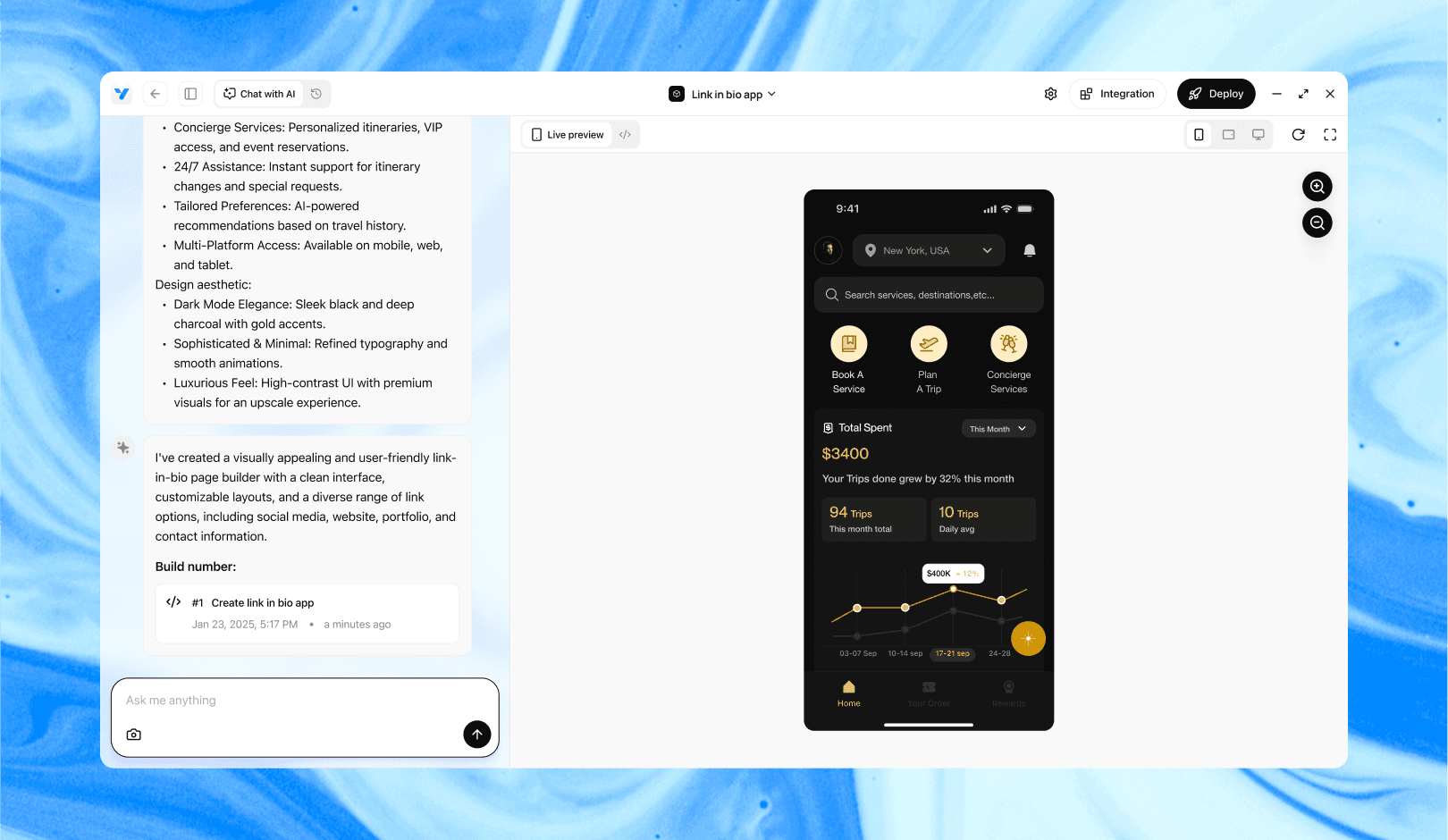
Vibe Studio, powered by Steve’s advanced AI agents, is a revolutionary no-code, conversational platform that empowers users to quickly and efficiently create full-stack Flutter applications integrated seamlessly with Firebase backend services. Ideal for solo founders, startups, and agile engineering teams, Vibe Studio allows users to visually manage and deploy Flutter apps, greatly accelerating the development process. The intuitive conversational interface simplifies complex development tasks, making app creation accessible even for non-coders.
Conclusion
Collaboration in Vibe Studio is effective when technical conventions, small focused changes, and shared preview practices are enforced. Adopt a clear folder structure, keep widgets modular, rely on isolated demo pages for rapid UI iteration, and protect main branches with CI and review rules. These steps reduce conflicts and let your team move faster on Flutter mobile development while keeping a predictable, shareable workspace in Vibe Studio.