Adding Authentication To A Vibe Studio App With Firebase
Summary
Summary

This tutorial explains configuring Firebase for a Flutter Vibe Studio app, initializing Firebase in main.dart, implementing email/password sign-up and sign-in with firebase_auth, reacting to authStateChanges for protected UI, and following security best practices for mobile development.

This tutorial explains configuring Firebase for a Flutter Vibe Studio app, initializing Firebase in main.dart, implementing email/password sign-up and sign-in with firebase_auth, reacting to authStateChanges for protected UI, and following security best practices for mobile development.

Key insights:
Key insights:
  • Setup Firebase: Configure Firebase project, enable Email/Password provider, and add platform config files to your Flutter app.

  • Configure Flutter App: Initialize Firebase in main.dart and add firebase_core and firebase_auth dependencies.

  • Implement Email/Password Authentication: Wrap signIn/createUser/signOut in a concise service and handle FirebaseAuthException codes.

  • Integrate With Vibe Studio UI: Use authStateChanges() and an AuthGate to show protected screens or auth flows.

  • Testing And Deployment: Verify offline behavior, handle token refresh, and match release SHA and OAuth settings for production builds.

Introduction

This tutorial shows how to add authentication to a Vibe Studio Flutter app using Firebase Authentication. You'll learn how to configure Firebase, initialize it in Flutter, implement email/password sign-up and sign-in flows, and connect authentication state to your app UI. Examples are concise and practical for mobile development with Flutter.

Setup Firebase

1) Create a Firebase project in the Firebase Console and register your Android and/or iOS apps. Download and add google-services.json (Android) or GoogleService-Info.plist (iOS) to your project.

2) In Authentication > Sign-in method enable Email/Password (and any other providers you want, such as Google). For Android, add your app's SHA-1 if you use Google Sign-In.

3) If your app will access Firestore or Storage, configure security rules to require authentication (for example, allow read/write only when request.auth != null).

Configure Flutter App

Add these packages in pubspec.yaml: firebase_core and firebase_auth. Optionally add firebase_analytics or cloud_firestore as needed. Initialize Firebase before runApp by ensuring WidgetsFlutterBinding and Firebase.initializeApp are called.

Example (main.dart) initialization:

import 'package:firebase_core/firebase_core.dart';
import 'package:flutter/material.dart';

void main() async {
  WidgetsFlutterBinding.ensureInitialized();
  await Firebase.initializeApp();
  runApp(MyApp());
}

This ensures Firebase services are available before the UI builds. For platform-specific configuration follow the Firebase FlutterFire docs (Android Gradle changes, iOS bundle IDs, and plist entries).

Implement Email/Password Authentication

Create a small auth service to wrap firebase_auth calls. Keep UI and auth logic separated so you can test flows easily and reuse methods.

Example auth methods (short):

import 'package:firebase_auth/firebase_auth.dart';

final FirebaseAuth _auth = FirebaseAuth.instance;

Future<User?> signIn(String email, String password) async {
  final cred = await _auth.signInWithEmailAndPassword(
    email: email, password: password,
  );
  return cred.user;
}

Future<User?> signUp(String email, String password) async {
  final cred = await _auth.createUserWithEmailAndPassword(
    email: email, password: password,
  );
  return cred.user;
}

Future<void> signOut() => _auth.signOut();

Handle exceptions from FirebaseAuth (FirebaseAuthException). Map common codes like user-not-found, wrong-password, email-already-in-use, weak-password to user-friendly messages. Avoid showing raw error strings to the user.

Use authStateChanges() (or idTokenChanges()) to react to sign-in state across the app. Example: StreamBuilder on FirebaseAuth.instance.authStateChanges() to decide whether to show the sign-in flow or the main Vibe Studio workspace.

Integrate With Vibe Studio UI

1) Sign-In / Sign-Up Forms: Build small, validated forms that call signIn/signUp methods. Validate email format and password length client-side to reduce round-trips.

2) Protect Routes: Create a simple AuthGate widget that listens to authStateChanges and returns either your authenticated home screen (the Vibe Studio) or the auth screens. This centralizes access control and is efficient for mobile development.

3) Persisted State and User Profile: After sign-up, write a minimal user profile document to Firestore (uid, displayName, createdAt) under a uid-based collection. Use server timestamps and Firebase rules to ensure only the user can modify their profile.

4) Security Considerations: Never store passwords or ID tokens in plain storage. Use the Firebase SDK's session handling. For server APIs, validate Firebase ID tokens on the backend. For mobile-only apps, keep sensitive logic on secure backend services when possible.

Testing And Deployment

Test sign-up, sign-in, sign-out, and token refresh edge cases on real devices. Validate behavior when network is offline and when account credentials are invalid. For Play Store and App Store builds, ensure your OAuth client IDs and SHA values match release configuration so auth flows (Google Sign-In, etc.) work in production.

Conclusion

Adding Firebase Authentication to a Vibe Studio Flutter app is straightforward: configure Firebase, initialize in Flutter, implement concise auth services, wire authStateChanges to your UI, and lock backend access with Firebase rules. This pattern keeps auth logic testable, the UI responsive, and user data secure—essential for professional mobile development with Flutter.

Vibe Studio
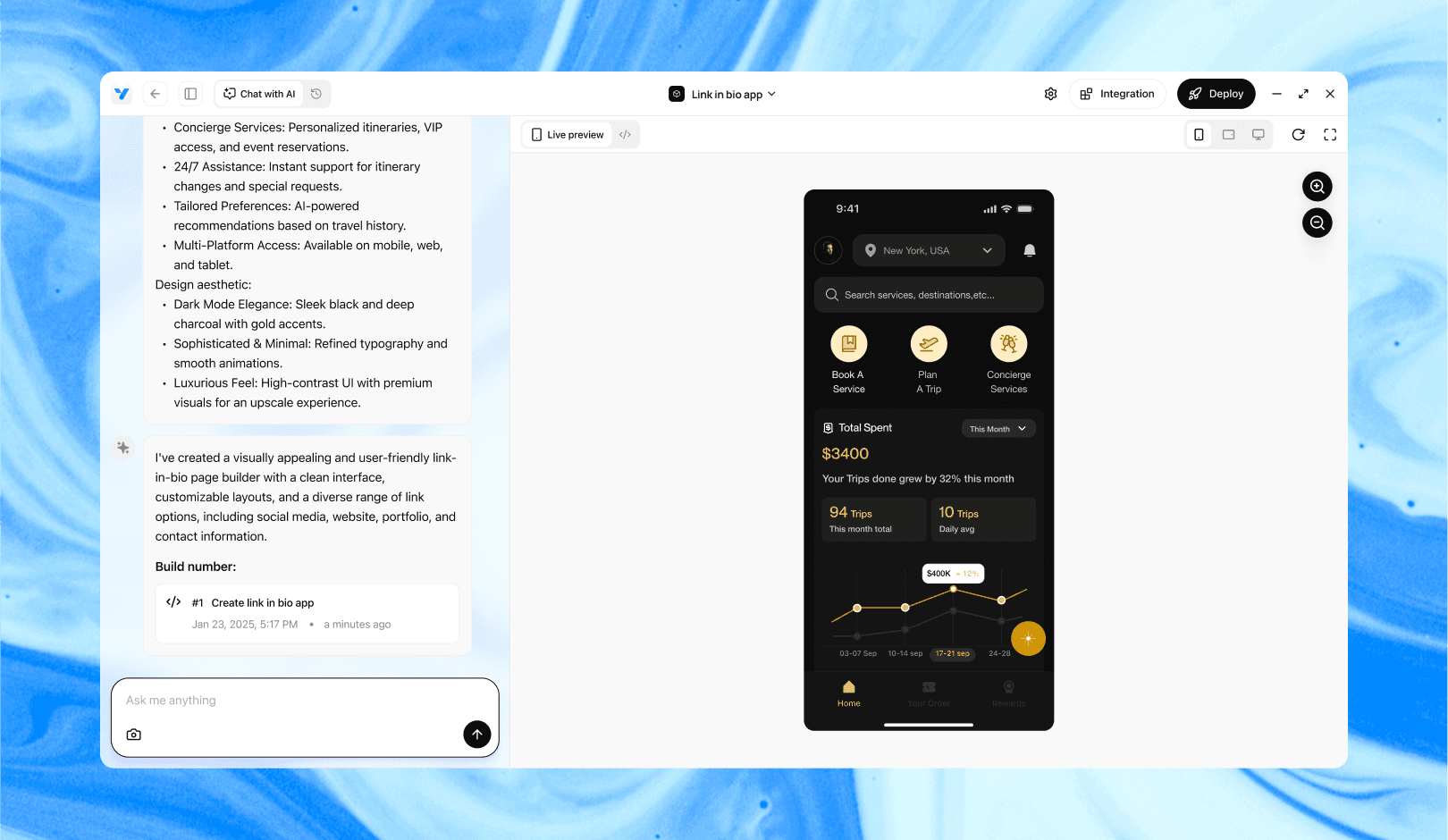
Vibe Studio, powered by Steve’s advanced AI agents, is a revolutionary no-code, conversational platform that empowers users to quickly and efficiently create full-stack Flutter applications integrated seamlessly with Firebase backend services. Ideal for solo founders, startups, and agile engineering teams, Vibe Studio allows users to visually manage and deploy Flutter apps, greatly accelerating the development process. The intuitive conversational interface simplifies complex development tasks, making app creation accessible even for non-coders.

Introduction

This tutorial shows how to add authentication to a Vibe Studio Flutter app using Firebase Authentication. You'll learn how to configure Firebase, initialize it in Flutter, implement email/password sign-up and sign-in flows, and connect authentication state to your app UI. Examples are concise and practical for mobile development with Flutter.

Setup Firebase

1) Create a Firebase project in the Firebase Console and register your Android and/or iOS apps. Download and add google-services.json (Android) or GoogleService-Info.plist (iOS) to your project.

2) In Authentication > Sign-in method enable Email/Password (and any other providers you want, such as Google). For Android, add your app's SHA-1 if you use Google Sign-In.

3) If your app will access Firestore or Storage, configure security rules to require authentication (for example, allow read/write only when request.auth != null).

Configure Flutter App

Add these packages in pubspec.yaml: firebase_core and firebase_auth. Optionally add firebase_analytics or cloud_firestore as needed. Initialize Firebase before runApp by ensuring WidgetsFlutterBinding and Firebase.initializeApp are called.

Example (main.dart) initialization:

import 'package:firebase_core/firebase_core.dart';
import 'package:flutter/material.dart';

void main() async {
  WidgetsFlutterBinding.ensureInitialized();
  await Firebase.initializeApp();
  runApp(MyApp());
}

This ensures Firebase services are available before the UI builds. For platform-specific configuration follow the Firebase FlutterFire docs (Android Gradle changes, iOS bundle IDs, and plist entries).

Implement Email/Password Authentication

Create a small auth service to wrap firebase_auth calls. Keep UI and auth logic separated so you can test flows easily and reuse methods.

Example auth methods (short):

import 'package:firebase_auth/firebase_auth.dart';

final FirebaseAuth _auth = FirebaseAuth.instance;

Future<User?> signIn(String email, String password) async {
  final cred = await _auth.signInWithEmailAndPassword(
    email: email, password: password,
  );
  return cred.user;
}

Future<User?> signUp(String email, String password) async {
  final cred = await _auth.createUserWithEmailAndPassword(
    email: email, password: password,
  );
  return cred.user;
}

Future<void> signOut() => _auth.signOut();

Handle exceptions from FirebaseAuth (FirebaseAuthException). Map common codes like user-not-found, wrong-password, email-already-in-use, weak-password to user-friendly messages. Avoid showing raw error strings to the user.

Use authStateChanges() (or idTokenChanges()) to react to sign-in state across the app. Example: StreamBuilder on FirebaseAuth.instance.authStateChanges() to decide whether to show the sign-in flow or the main Vibe Studio workspace.

Integrate With Vibe Studio UI

1) Sign-In / Sign-Up Forms: Build small, validated forms that call signIn/signUp methods. Validate email format and password length client-side to reduce round-trips.

2) Protect Routes: Create a simple AuthGate widget that listens to authStateChanges and returns either your authenticated home screen (the Vibe Studio) or the auth screens. This centralizes access control and is efficient for mobile development.

3) Persisted State and User Profile: After sign-up, write a minimal user profile document to Firestore (uid, displayName, createdAt) under a uid-based collection. Use server timestamps and Firebase rules to ensure only the user can modify their profile.

4) Security Considerations: Never store passwords or ID tokens in plain storage. Use the Firebase SDK's session handling. For server APIs, validate Firebase ID tokens on the backend. For mobile-only apps, keep sensitive logic on secure backend services when possible.

Testing And Deployment

Test sign-up, sign-in, sign-out, and token refresh edge cases on real devices. Validate behavior when network is offline and when account credentials are invalid. For Play Store and App Store builds, ensure your OAuth client IDs and SHA values match release configuration so auth flows (Google Sign-In, etc.) work in production.

Conclusion

Adding Firebase Authentication to a Vibe Studio Flutter app is straightforward: configure Firebase, initialize in Flutter, implement concise auth services, wire authStateChanges to your UI, and lock backend access with Firebase rules. This pattern keeps auth logic testable, the UI responsive, and user data secure—essential for professional mobile development with Flutter.

Vibe Studio

Vibe Studio, powered by Steve’s advanced AI agents, is a revolutionary no-code, conversational platform that empowers users to quickly and efficiently create full-stack Flutter applications integrated seamlessly with Firebase backend services. Ideal for solo founders, startups, and agile engineering teams, Vibe Studio allows users to visually manage and deploy Flutter apps, greatly accelerating the development process. The intuitive conversational interface simplifies complex development tasks, making app creation accessible even for non-coders.

Build Flutter Apps Faster with Vibe Studio

Vibe Studio is your AI-powered Flutter development companion. Skip boilerplate, build in real-time, and deploy without hassle. Start creating apps at lightning speed with zero setup.

Other Insights

Join a growing community of builders today

Join a growing community of builders today

Join a growing community of builders today

Join a growing community of builders today

Join a growing community of builders today

28-07 Jackson Ave

Walturn

New York NY 11101 United States

© Steve • All Rights Reserved 2025

28-07 Jackson Ave

Walturn

New York NY 11101 United States

© Steve • All Rights Reserved 2025

28-07 Jackson Ave

Walturn

New York NY 11101 United States

© Steve • All Rights Reserved 2025

28-07 Jackson Ave

Walturn

New York NY 11101 United States

© Steve • All Rights Reserved 2025

28-07 Jackson Ave

Walturn

New York NY 11101 United States

© Steve • All Rights Reserved 2025

28-07 Jackson Ave

Walturn

New York NY 11101 United States

© Steve • All Rights Reserved 2025